Files

A powerful file browser to structure and enrich your files with metadata — without modifying the files themselves.

Download for free

Structure and enrich your files

Organize your files with labels, metadata, and integrated preview — fast, flexible, and always in context.
File-centric workspace

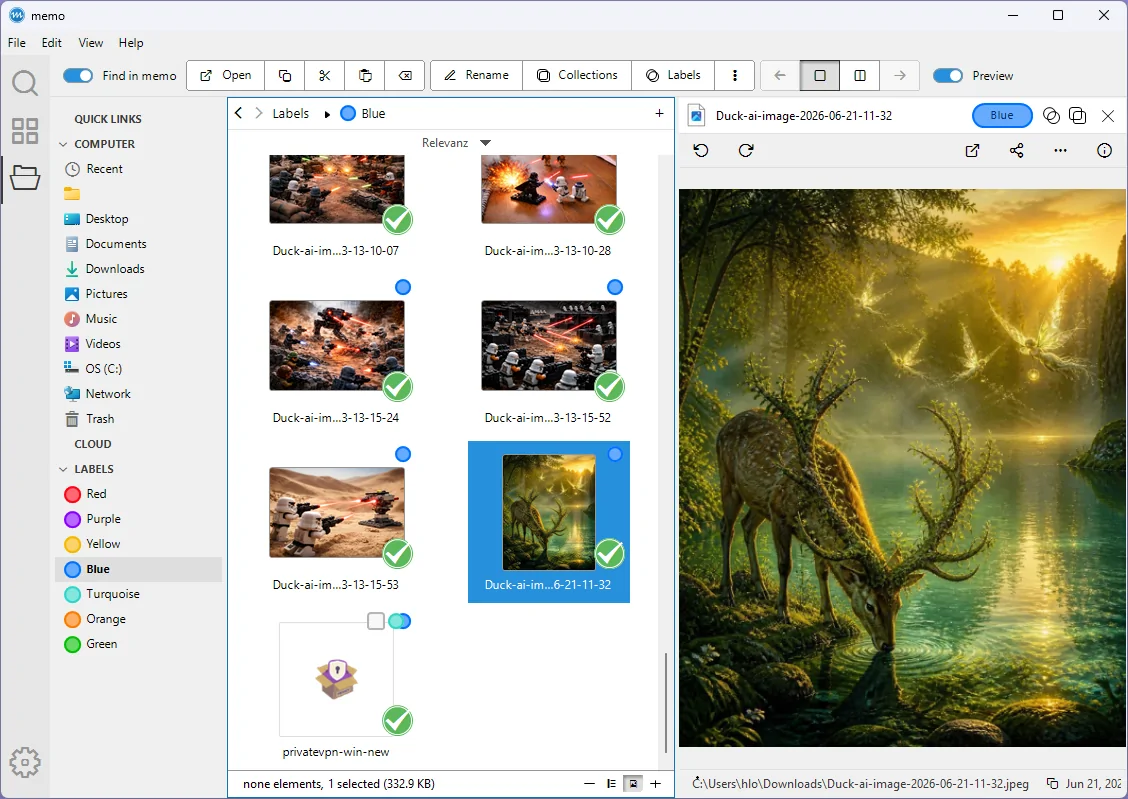
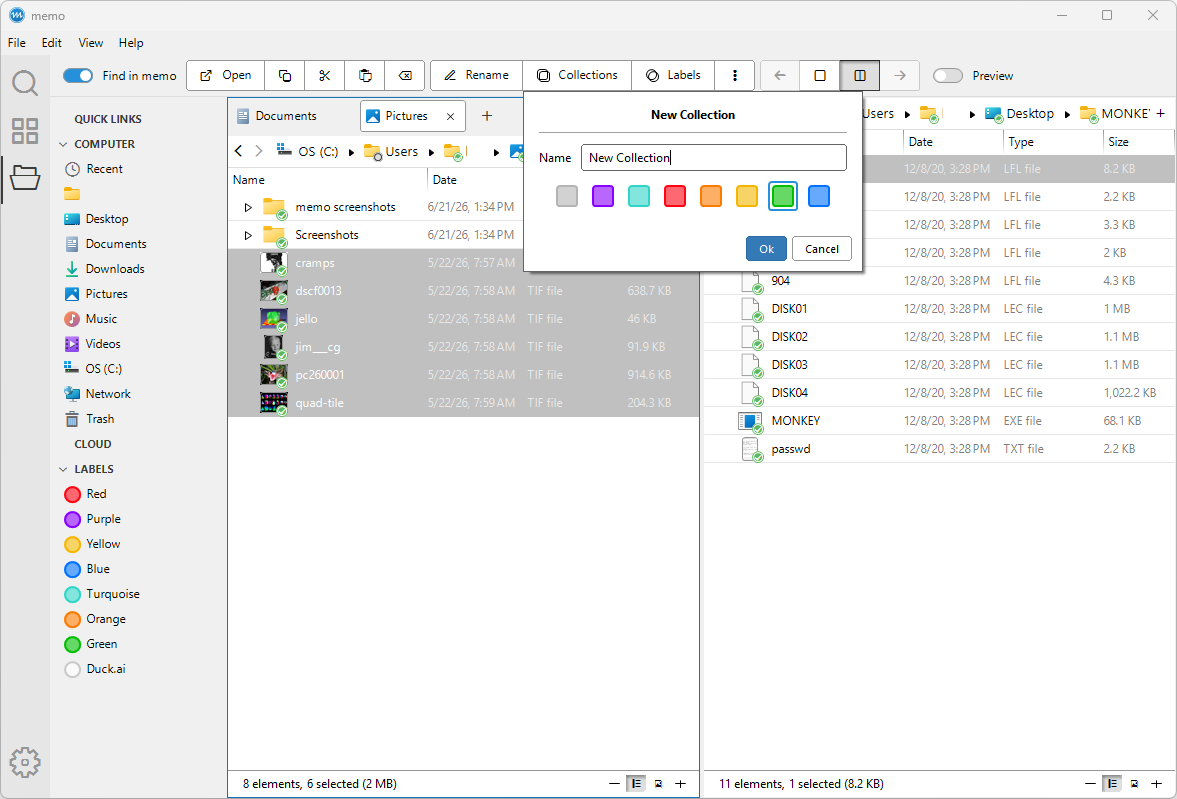
Browse and manage your files in tabs, dual-pane layouts, or structured navigation trees. Stay fast and focused, even in large file systems.

Metadata enrichment

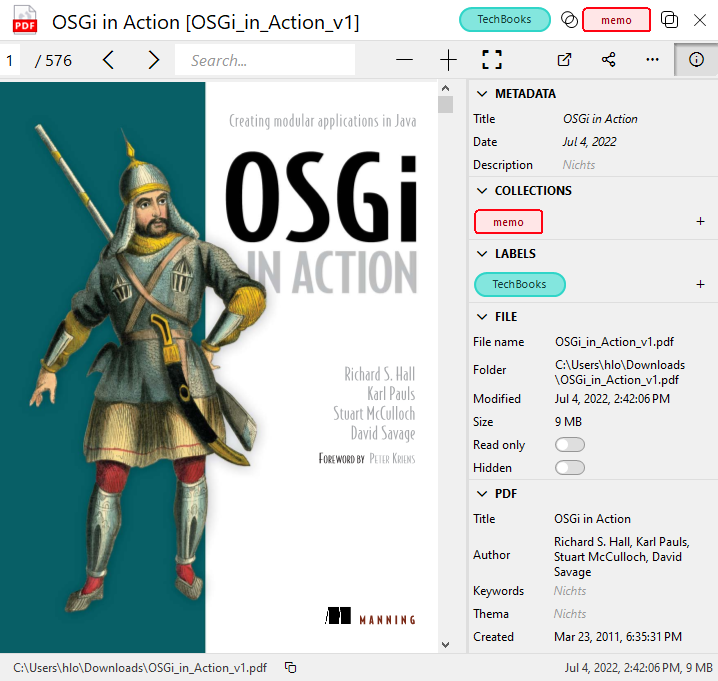
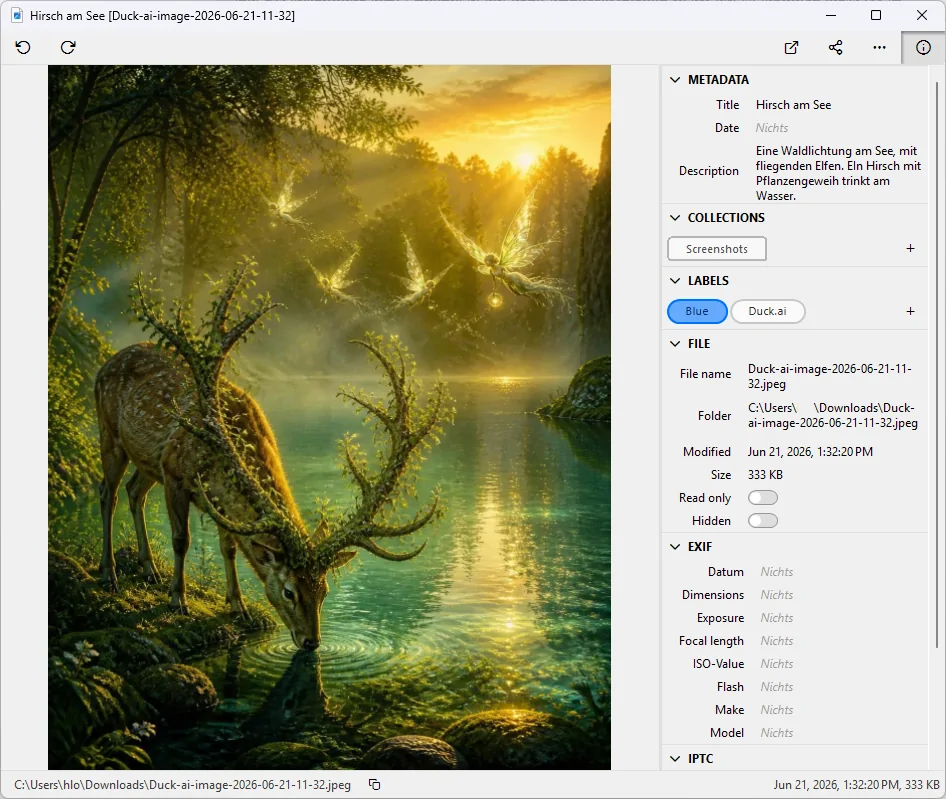
Add labels, descriptions, and custom metadata to any file. Turn unstructured files into structured information.

Integrated preview

Open PDFs, images, videos, audio, and text directly inside the app. Inspect content without switching tools or losing context.

Non-destructive by design

Your files remain untouched. No sidecar files, no hidden changes. All metadata is stored separately and safely under your control.

Consistent context

Metadata and labels stay intact, when files are copied, moved or renamed inside the app. Nothing breaks or gets lost.

For large file sets

Designed for large file sets with fast navigation and instant access. Work smoothly, even with thousands of files.

memo app

Built on memo

Files is a core app of memo. It lets you add metadata and labels to your files, making them usable across all other apps.

All data created in Files is shared across memo and used by Search & Collect and future knowledge apps.

See it in action

See how Files works in practice.

From browsing to connecting

Files lets you organize and annotate your data. Search & Collect turns them into searchable and connected information.

Explore Search & Collect